Your best retainer client just booked a call. You expect an expansion conversation. They cancel the retainer instead.
Looking back at the hours report afterward, the pattern is clear: hours delivered to that client dropped from 42 per month to 27 over the prior six weeks. Scope was unchanged. No one flagged it. Nobody was watching.
The signal was there. The visibility was not.
This is not rare. Industry benchmarks from 2026 show that small agencies lose an average of 32% of their retainer clients every year. Nearly 1 in 3 clients gone annually. And in the same research, "retainer hours going unused" ranks among the top warning signs that appear before a cancellation call.
The problem is not that clients leave. The problem is that the signal arrives in your hours data four to six weeks before the call, and most agencies are not reading it.
How retainer drift happens without anyone noticing
When a retainer client churns, the post-mortem almost always finds the same sequence.
It starts with one deprioritization decision that seems reasonable in isolation. Your team is stretched finishing a large deliverable for another client. A weekly call with the retainer client gets shortened from 45 minutes to 20. A few smaller tasks get pushed to next month's scope. Nothing alarming. Just triage.
The pattern compounds quietly. Over four to six weeks, the retainer client receives 30 to 40% less than their contracted scope. They do not complain because the drop is gradual and they are busy too. But they notice. They start questioning whether the retainer fee matches the value they are receiving. They begin looking at alternatives.
By the time they call to cancel, the decision was made three weeks ago.

The reason this drift is invisible to most agencies is simple: they track billing, not delivery. On an hourly project, billing equals delivery. On a retainer, the fee is fixed whether you deliver 100% of contracted scope or 60%. The invoice looks identical. The client's experience is not.
The number that shows you who is at risk right now
There is a metric that makes this drift visible before it becomes a churn conversation. It is called the retainer utilization rate, and almost no agency tracks it weekly.
Retainer utilization = hours delivered this month divided by hours contracted this month
A healthy retainer runs at 85 to 100% utilization. When that rate drops below 70% for two consecutive weeks, the client is receiving materially less than they are paying for. When it stays below 70% for a month, churn risk is elevated significantly. When it drops below 50%, the client is almost certainly comparing you to alternatives.

Calculating this number requires one thing: hours logged against specific client projects in real time, not reconstructed at month-end. If your team logs daily against Trakkar's time tracking with each retainer client as a separate project, you can pull the utilization figure any day of the week in under two minutes.
If you cannot answer "what is our utilization rate for Client X this week" in under two minutes, your tracking setup is not built for retainer management. Fix the data before the next cancellation call arrives.
Three numbers per retainer client that actually matter
You do not need a complex dashboard. Three numbers per client, checked weekly, are enough to catch drift before it becomes churn.
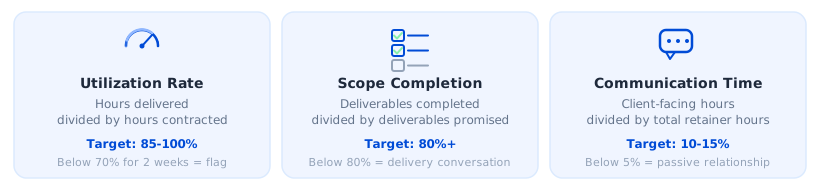
1. Monthly utilization rate. Hours delivered divided by hours contracted. Target: 85 to 100%. Below 70% for two consecutive weeks is a yellow flag. Below 70% for a month requires a proactive client call this week, not next.
2. Scope completion ratio. What percentage of the agreed monthly deliverables did you complete? A client receiving 95% of contracted hours but only 60% of promised outputs has a delivery problem, not a time-logging problem. The root cause and the fix are different. Both matter.
3. Client-facing communication time. Track hours logged against client calls, briefs, and coordination separately. This number should sit at 10 to 15% of total retainer hours. If it drops toward zero, the relationship is going passive. If it spikes above 25%, scope is unclear or the client is anxious. Either is worth a direct conversation before it becomes a churn driver.
None of these numbers are hard to collect. They require one habit: daily time logging by project, tied to each retainer client. Trakkar's project management lets you set up each retainer as a project with contracted hours as the budget. The utilization view builds itself as your team logs.
What a 10-minute Friday retainer review looks like
The ops leads who catch retainer drift early share one habit: a fixed weekly check on the numbers, before the client raises anything.
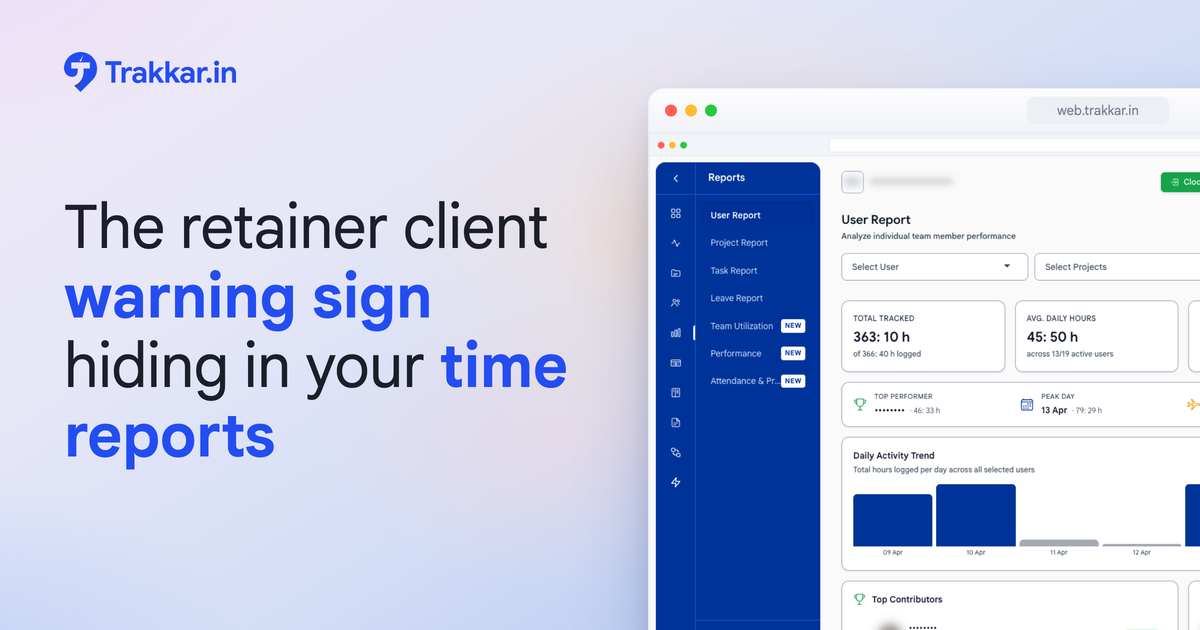
Pull the hours-by-project report in Trakkar's reports and analytics. For each active retainer client:
- Compare hours logged this week against the weekly average implied by the monthly contract
- Flag any client running below 80% of their weekly average for two or more consecutive weeks
- Check whether scope completion is tracking in line with hours spent
- If a client is below 70% utilization for a second consecutive week, schedule a proactive call for Monday
That is the full review. Ten minutes. Most ops leads who build this habit say the first month surfaced at least one retainer client they had not realized was drifting.
The most expensive retainer review you will ever run is the one you do the morning after the cancellation email arrives. Run it before, every Friday.
What one Bangalore agency learned after losing a Rs 25L retainer
Priya runs a 14-person content and digital agency in Bangalore. Three retainer clients, monthly contracts ranging from Rs 1.2 lakh to Rs 2.5 lakh. Client B, a mid-sized e-commerce brand, had been quiet for six weeks. No complaints. No flagged issues. Just quiet.
The cancellation email arrived on a Tuesday. She pulled the hours report for the prior eight weeks that afternoon. The pattern was immediate: hours delivered to Client B dropped from 40 to 44 per week in the first three weeks, to 22 to 26 per week in weeks four through eight. The team had been absorbed in a large deliverable for a different client. Client B's smaller weekly tasks quietly slipped. Nobody flagged it because Client B had not complained.
She lost a Rs 2.1 lakh monthly retainer. Annualized, that is Rs 25 lakh in revenue that a 10-minute Friday review would have shown as at-risk six weeks earlier.
"We were delivering the work, just not for the right client. The hours report showed exactly when it started going wrong. I just was not reading it."
She built a Friday utilization check into her routine the following week. It takes eight minutes. She has not lost a retainer client since.
What to do this week
You do not need a process overhaul. Five steps, starting today.
Step 1: Pull last month's hours by client. For each retainer, compare hours logged against contracted hours. Calculate utilization: hours delivered divided by hours contracted. If any client is below 85%, investigate the cause before this month closes.
Step 2: Create a project in Trakkar for each retainer. Set contracted hours as the project budget. Every hour your team logs for that client goes into this project. The utilization rate becomes visible without any manual calculation.
Step 3: Check scope completion separately. List what was promised to each retainer client this month. Mark what was delivered. If scope completion is below 80%, that is a separate conversation from utilization, and it needs to happen before the client raises it.
Step 4: Block 10 minutes every Friday. Label it "Retainer check." Pull the hours report. Flag any client under 80% for the week. That is the entire habit.
Step 5: Act on the signal within 48 hours. If a client is below 70% for two consecutive weeks, book a call. The opener: "We noticed our delivery to you has been lighter than usual over the past couple of weeks. We want to fix that proactively." That sentence, said before the client brings it up, is the difference between a retained relationship and a cancellation email.
Start with your largest retainer client. Pull their hours from the last four weeks. If the utilization trend is flat or rising, you are in good shape. If it is declining, you just found the problem before it became a churn.
The churn your hours report is already predicting
78% of clients reviewed their agency relationships in 2025. Some of those reviews were triggered by a mismatch between the retainer fee and the value the client was actually receiving, a mismatch that shows up clearly in utilization data for anyone looking at it.
Your team is already building the early warning system every time they log hours against a client project. The question is whether anyone is reading the signal.
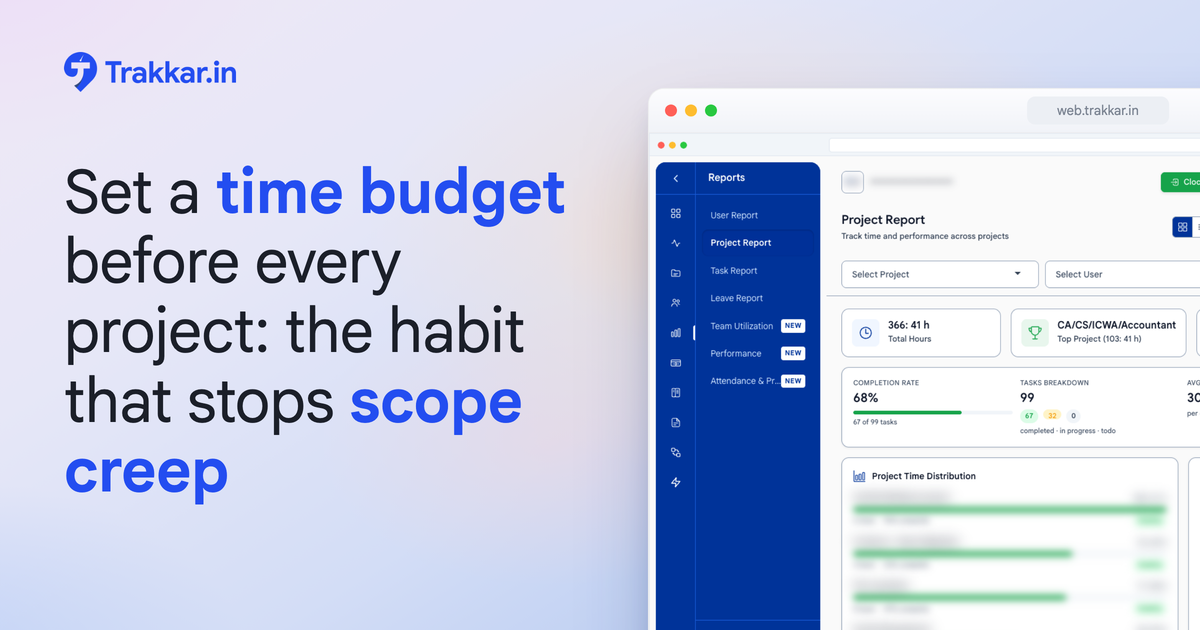
Trakkar's reports and analytics show hours-by-project in real time, with budget burn visible at a glance. Paired with daily time logging in time tracking, you get a retainer health dashboard that takes minutes to check every week.
If you want to see what that looks like for your specific client mix, book a 20-minute demo. We will pull up your team's hours data and show you exactly which clients are drifting before your next cancellation call arrives.