Projects and reports: Is this on track?
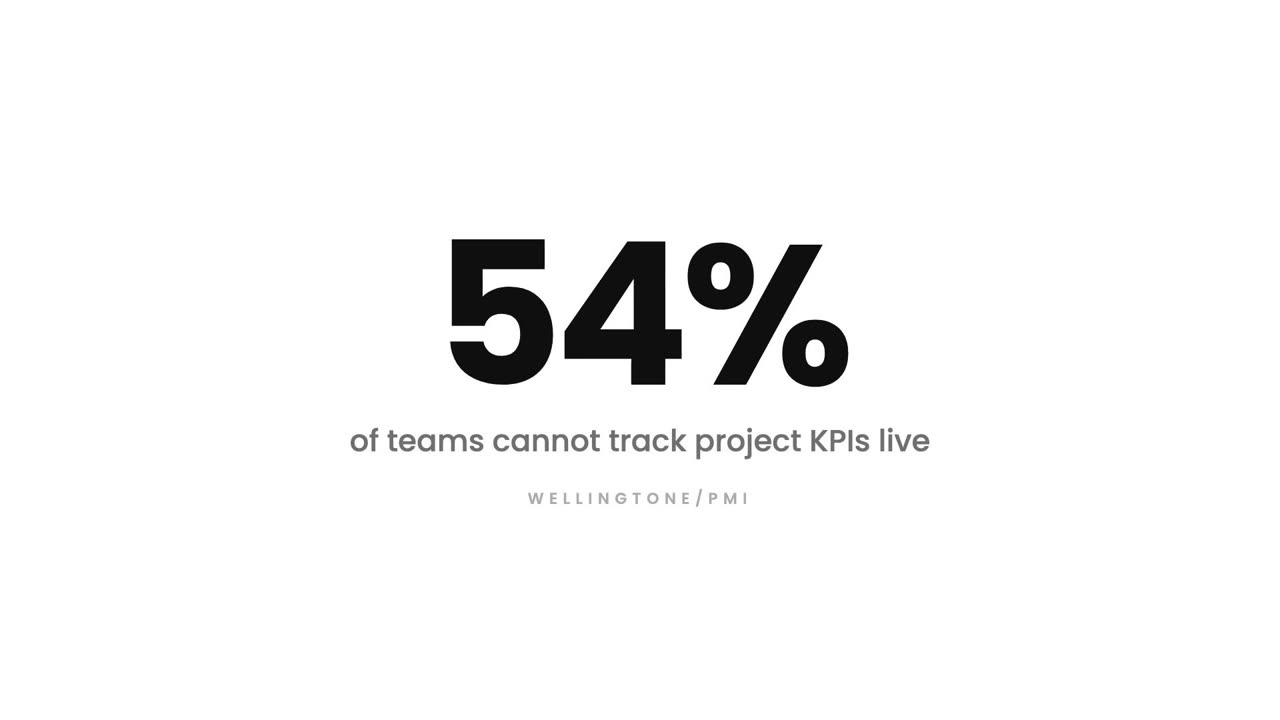
Tasks, the assigned team, tracked hours, payments and the client all hang off one project. The project report reads from those records, so it is current every time you open it.
Recurring tasks: Create it once
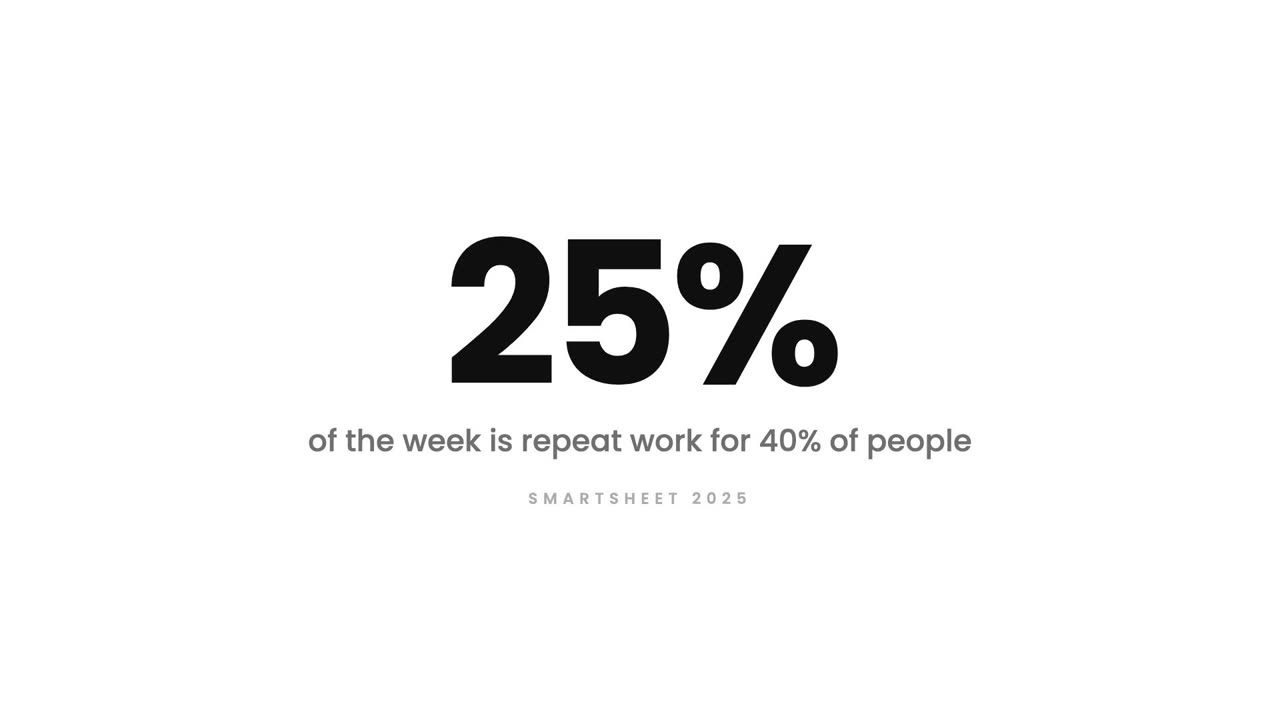
You define the task and the pattern once. Trakkar creates a fresh copy every week, month or on the dates you choose, assigned and dated correctly each time.
Shared tasks: One task. Six people
It appears once on the board, but every assigned person carries their own status and their own tracked time against it. One row, six independent answers.
Task pool: Who has capacity?
Instead of pushing every task to a named person, you post it to the pool. Anyone with capacity picks it up, and it becomes theirs the moment they claim it.
Task and project management: Where is work stuck?
Assignee, project, priority, due date, status. Every task carries who owns it, what it belongs to and when it is due, so the board answers questions instead of a meeting.
Activity and screenshots: Proof, not theatre
While the desktop tracker runs, Trakkar records an activity level, periodic screenshots and which applications were used, all tied to the session and the task being worked on.
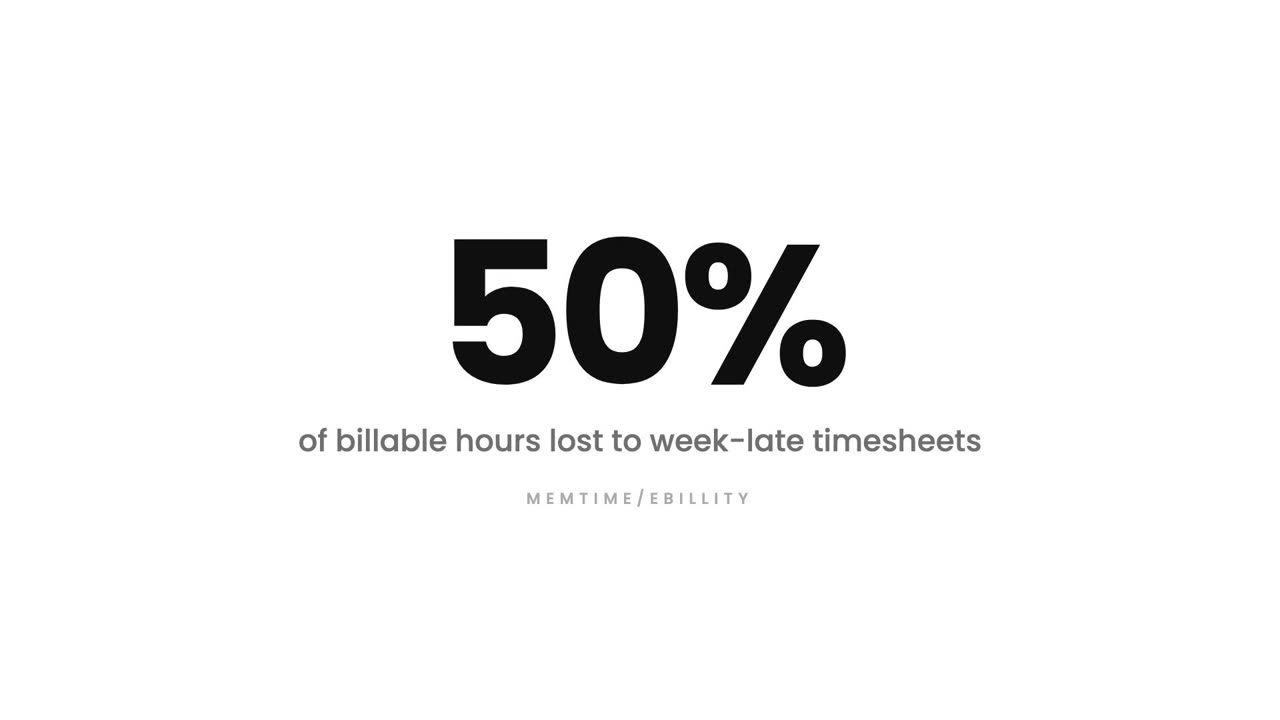
Time tracking: The Friday timesheet is fiction
The desktop tracker records work against a task and a project as it happens. If something was missed, a time request lets the person add it and a manager approve it, so the record stays honest.
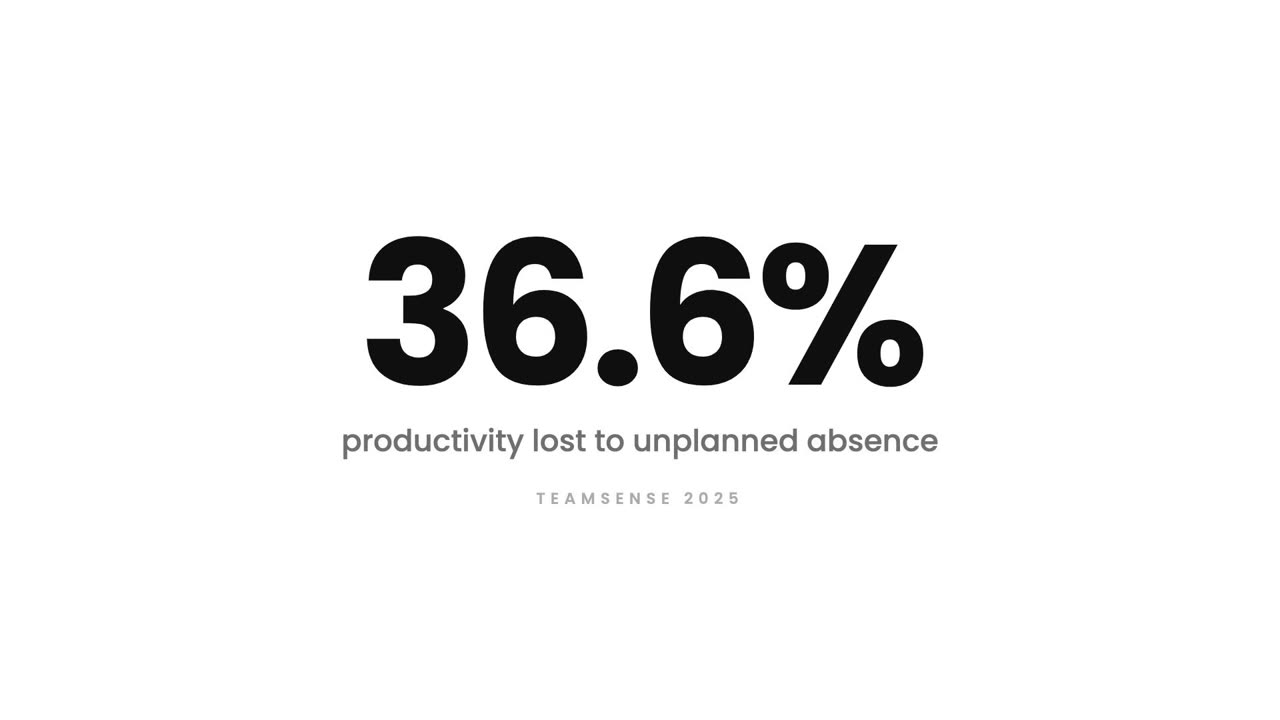
Attendance and productivity: Clock in. That's it
One clock in creates the attendance record and starts the productive hours count. Late marks, half days, breaks and total worked hours all come from the same event.
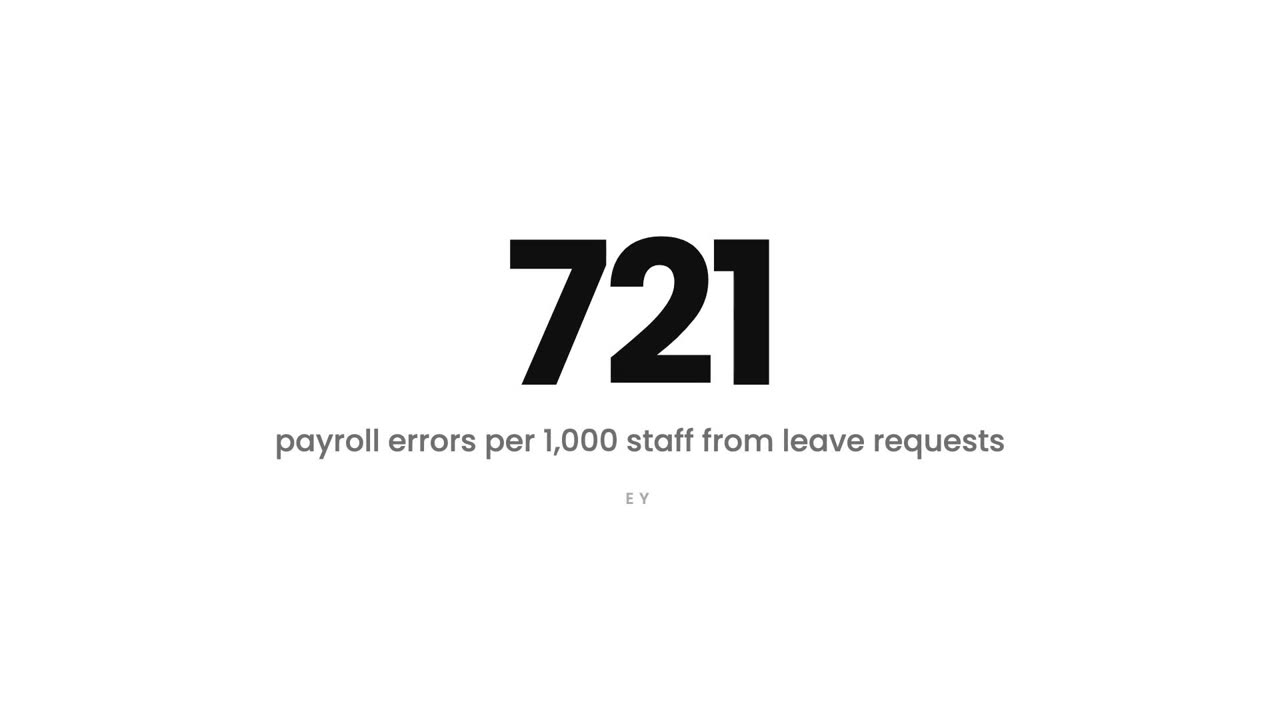
Leave management: Leave in two taps
Every request carries the person's live balance, routes to the right approver, and updates the balance and the team calendar the moment it is approved. One system instead of three.
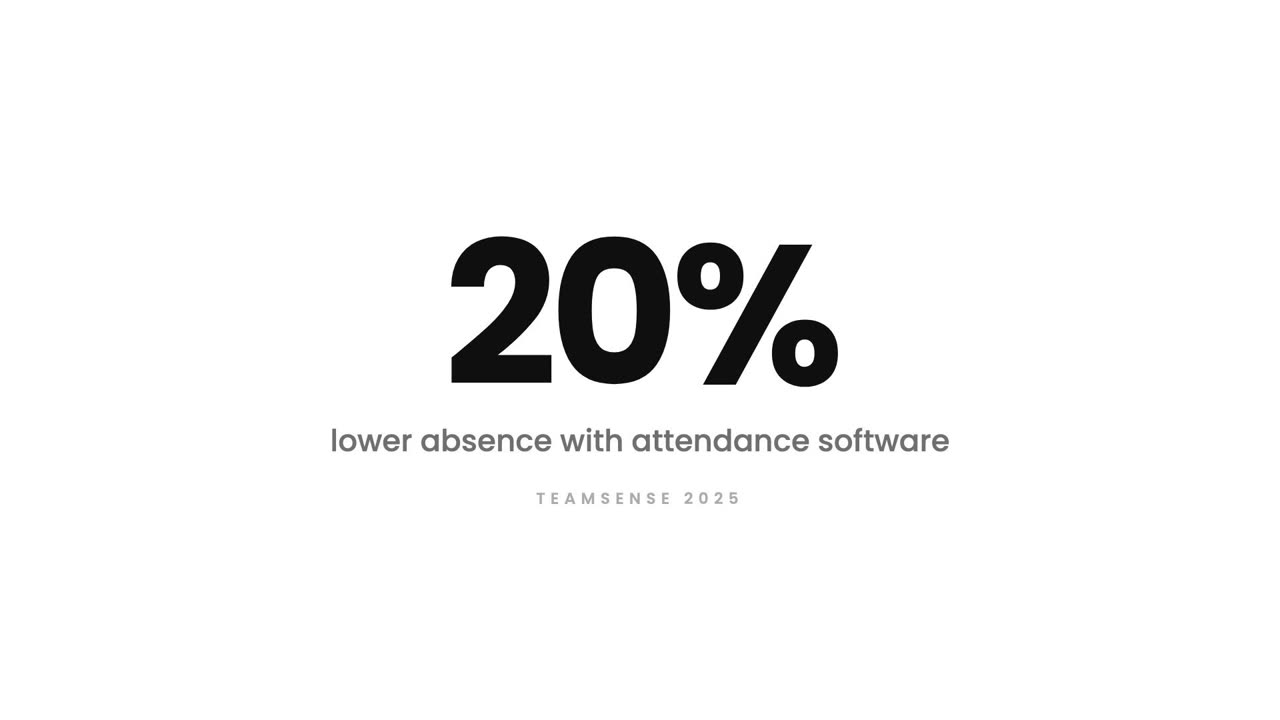
Shift management: Who is on today?
Start time, end time, break and working days per shift. Attendance, late marks and overtime are all measured against the shift a person is actually on, including shifts that cross midnight.
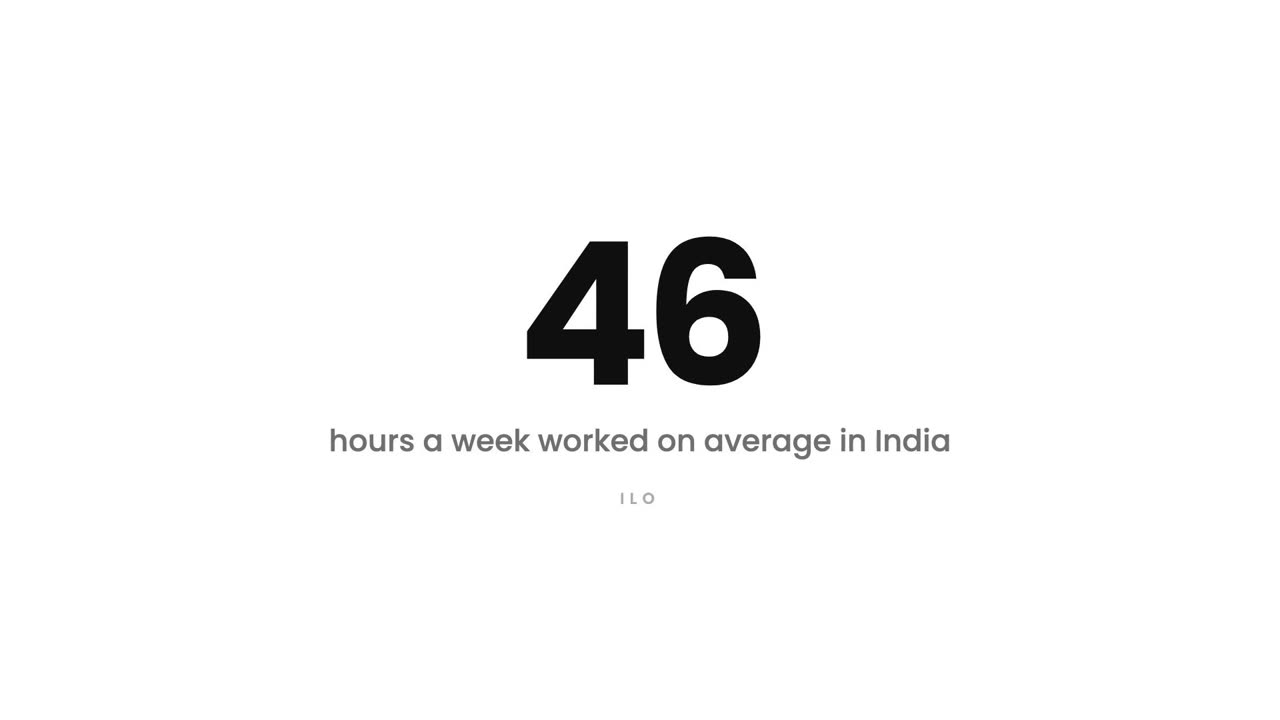
WFH and overtime: Requests with a record
Work from home and overtime are submitted as requests, approved by a manager, and then reflected in attendance and hours, so the record matches what was actually agreed.
Cost and earnings: Is this project profitable?
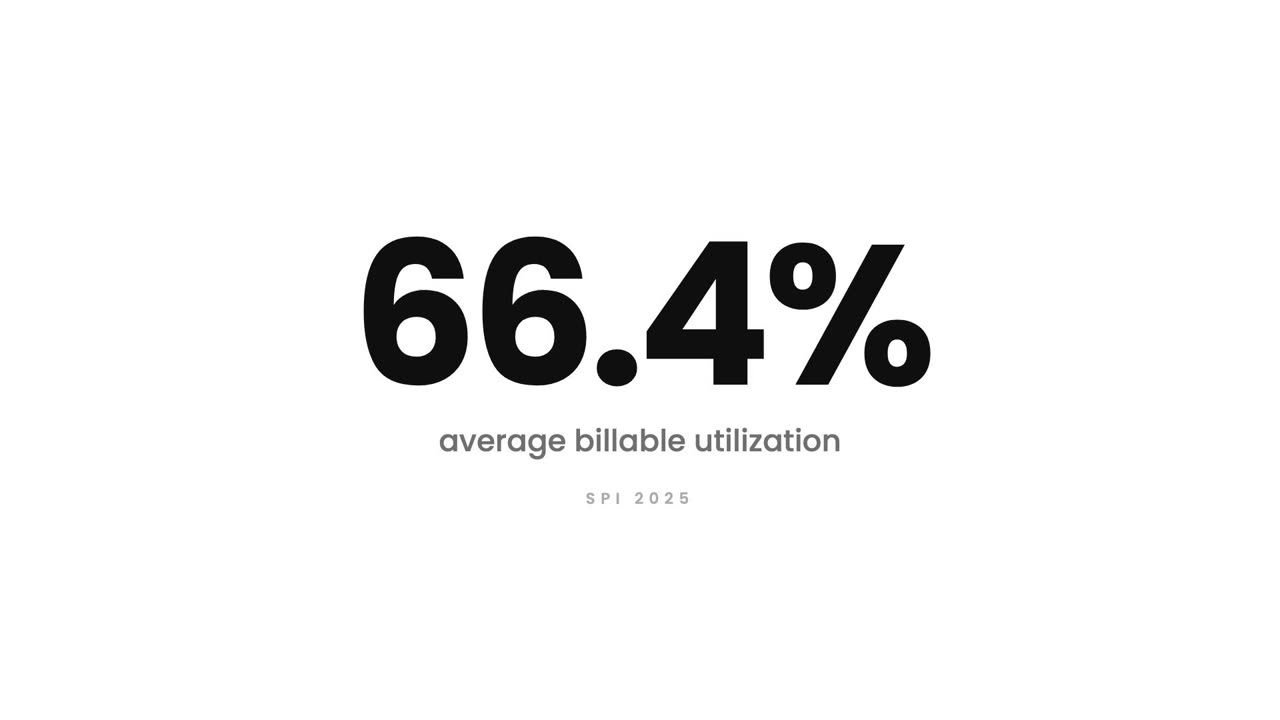
Each person carries an internal cost rate and a billable rate. Trakkar multiplies those against tracked hours, so project cost, revenue and margin update as the work happens.
Invoicing and billing: GST invoices, sorted
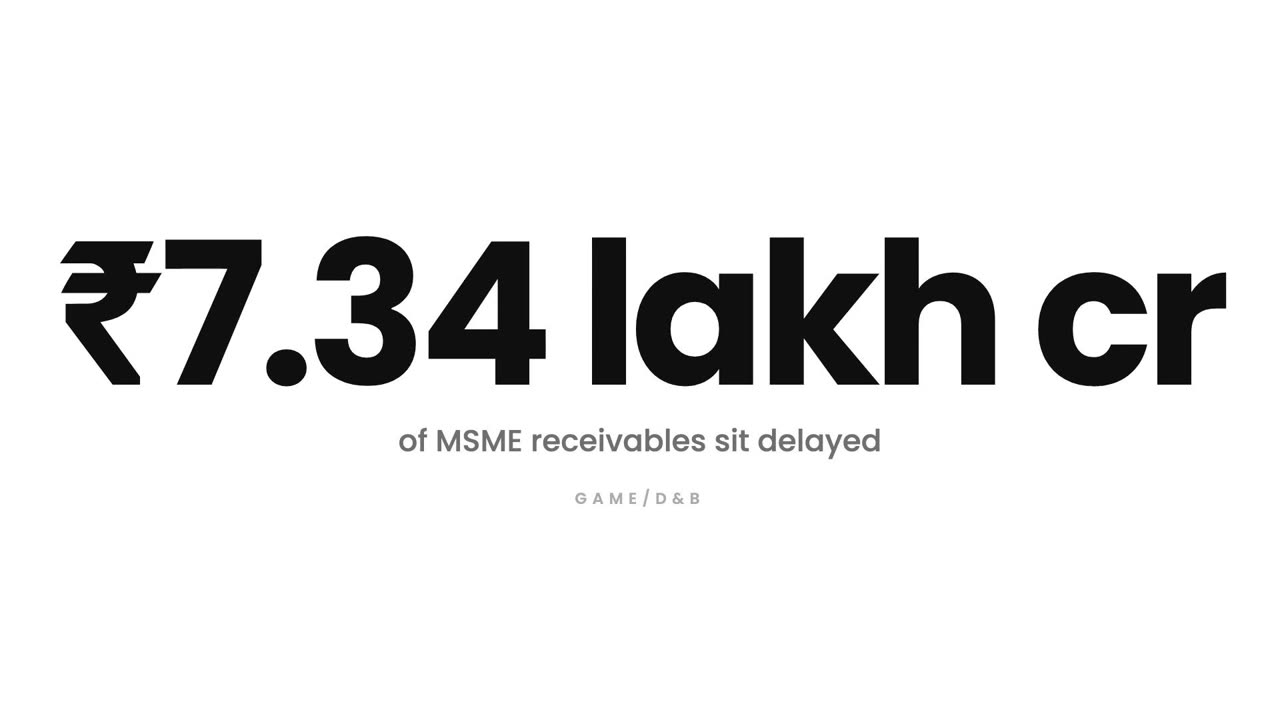
Build a quotation, convert it to an invoice when it is approved, with GST and your client's GSTIN handled. Payments are recorded against the invoice, so what is outstanding is always current.
Reports and analytics: Answers, not exports
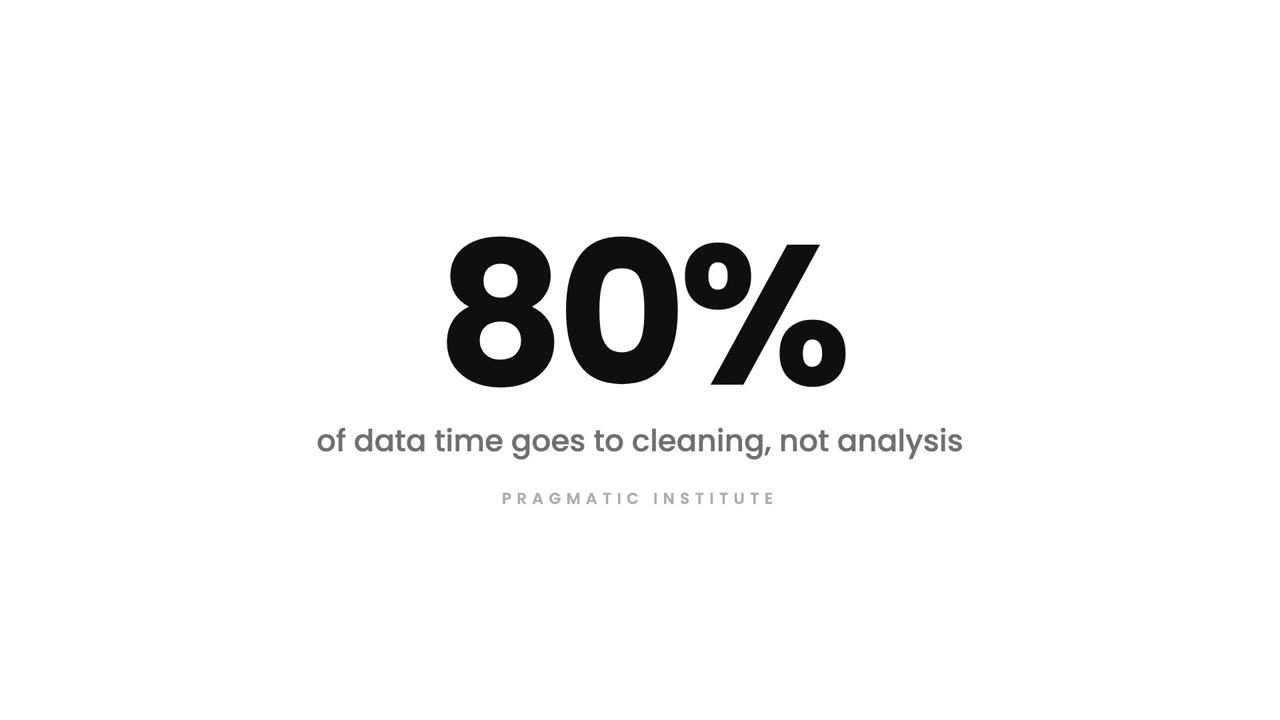
Team utilization with bench time, employee performance scores, per user reports and task reports, all reading live from the same records your team creates by working.
Team standup reports: Skip the standup
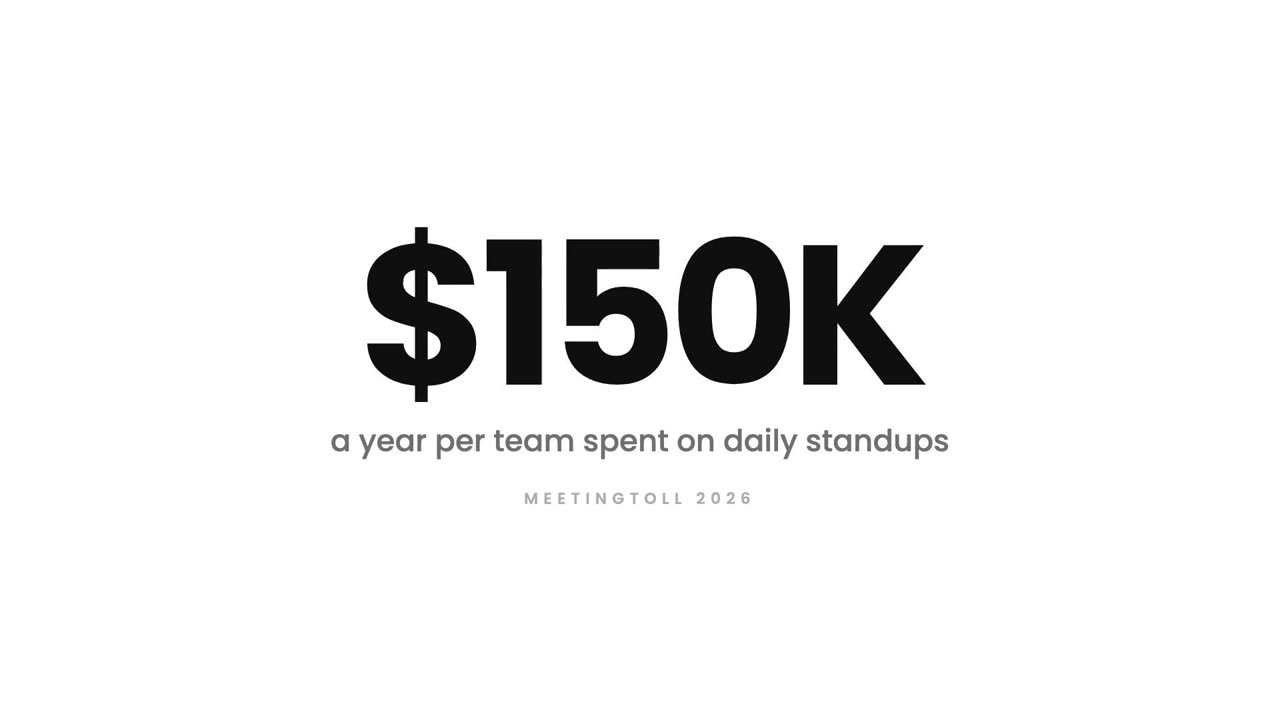
Trakkar reads what actually moved, what is blocked and what is overdue, and generates the standup report for a team or a project, with the items that need attention flagged.
AI agents in beta: Delegate the task
Delegate a task to an AI agent and it reads the task, its description and your knowledge base before it starts, then reports back in the task thread where the work lives. Currently in beta.
Automation rules: Nobody should chase this
You pick the trigger and the action once. Trakkar watches for the condition and does the follow up, every time, without anyone remembering to.
Integrations and API access: Your stack, connected
Trakkar gives you authenticated API tokens, Google Drive for files, commit linking for engineering work, and MCP access so AI tools can read your workspace directly.
Client portal: Hi, any update?
Your client signs in and sees the projects you have chosen to share: progress, hours, invoices and files. You control exactly which projects are visible, per client.
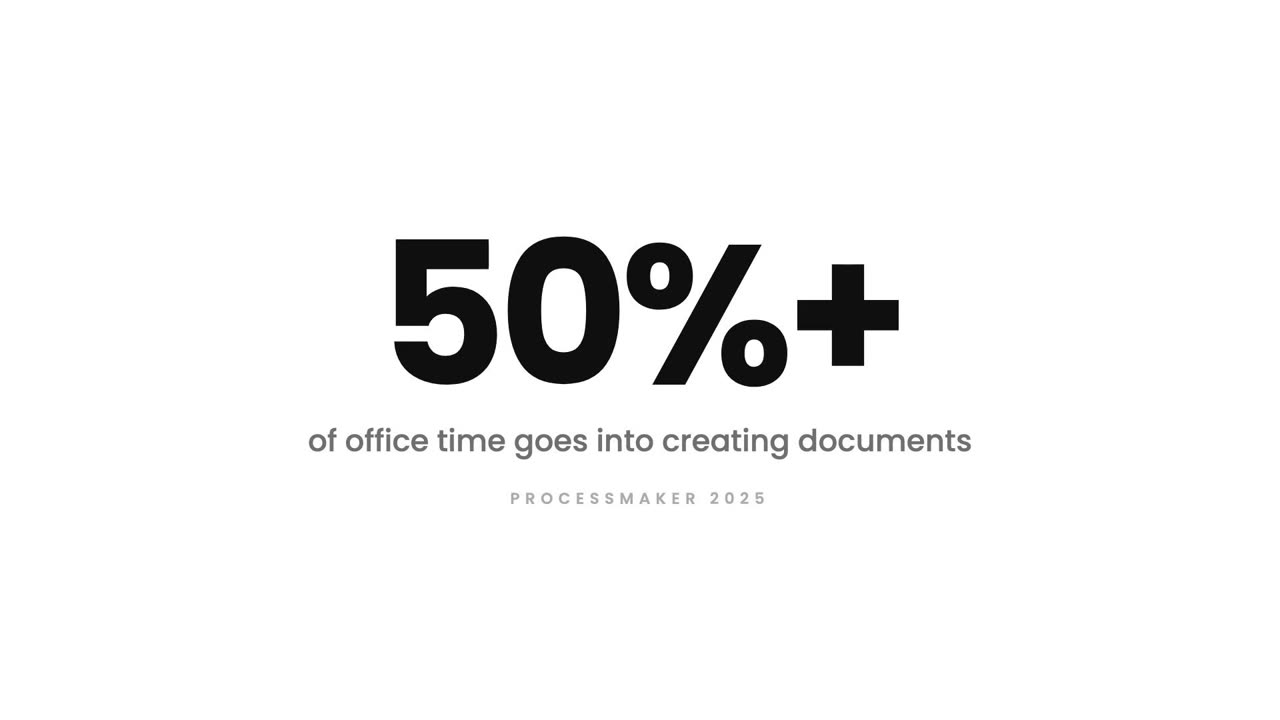
HR document generator: Offer letters in seconds
You build the template once with placeholders. Trakkar pulls the employee's name, designation, salary and dates straight from their record, so the letter is right the first time.
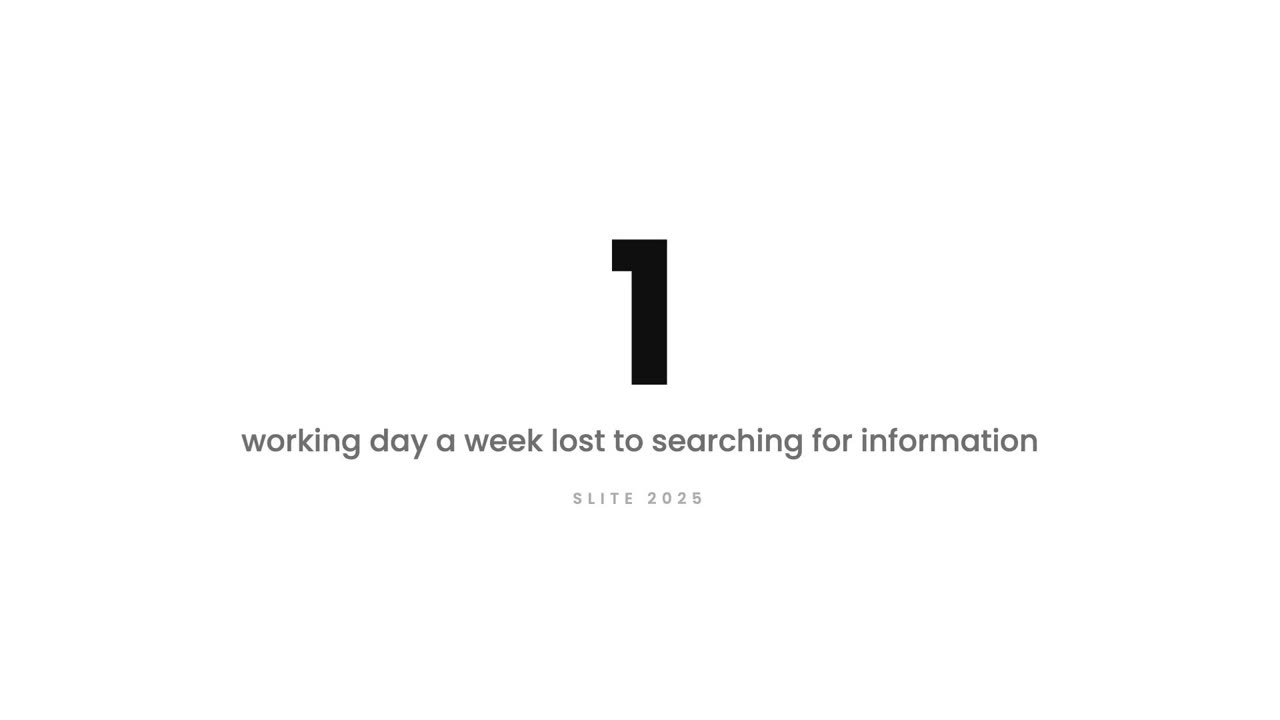
Knowledge base: Stop asking in chat
Documents organised into spaces, searchable in seconds, and linked directly from the tasks that need them. Written once, read by everyone who joins after.
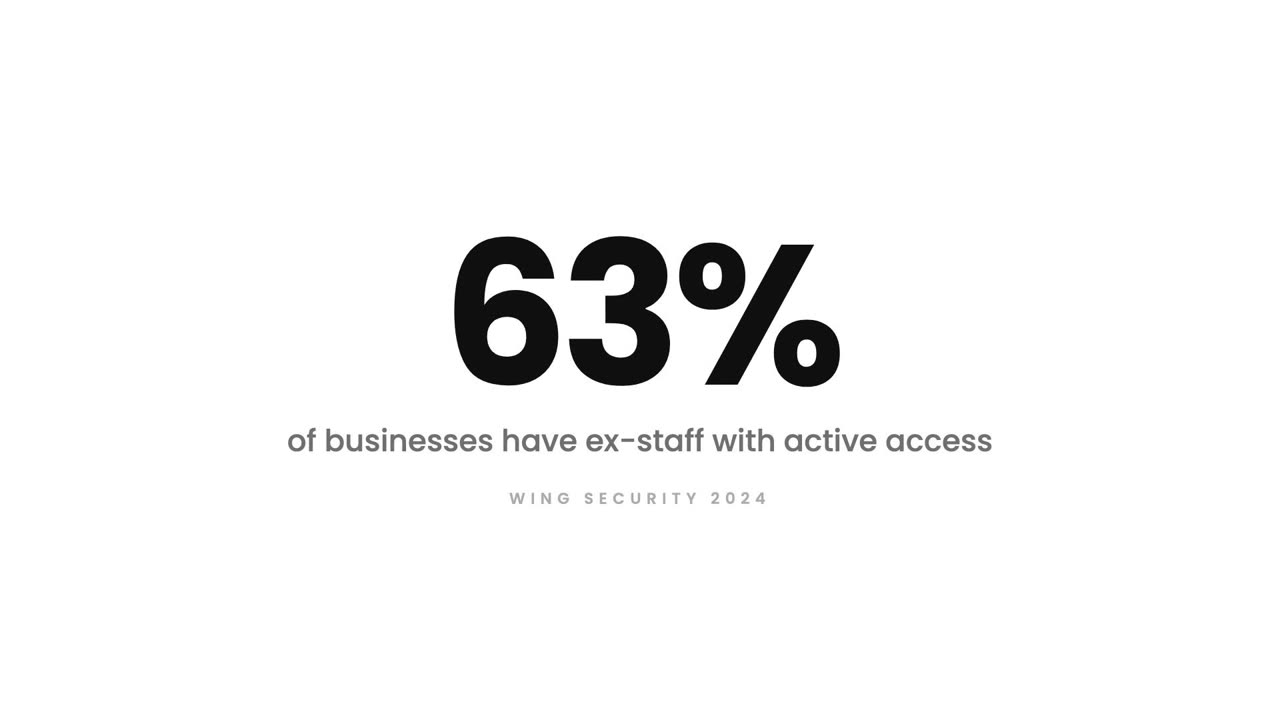
Team and permissions: Who can see what?
Every module has four separate rights: view, create, edit and delete. You grant them by role and then adjust per person, so people see the work they need and nothing more.
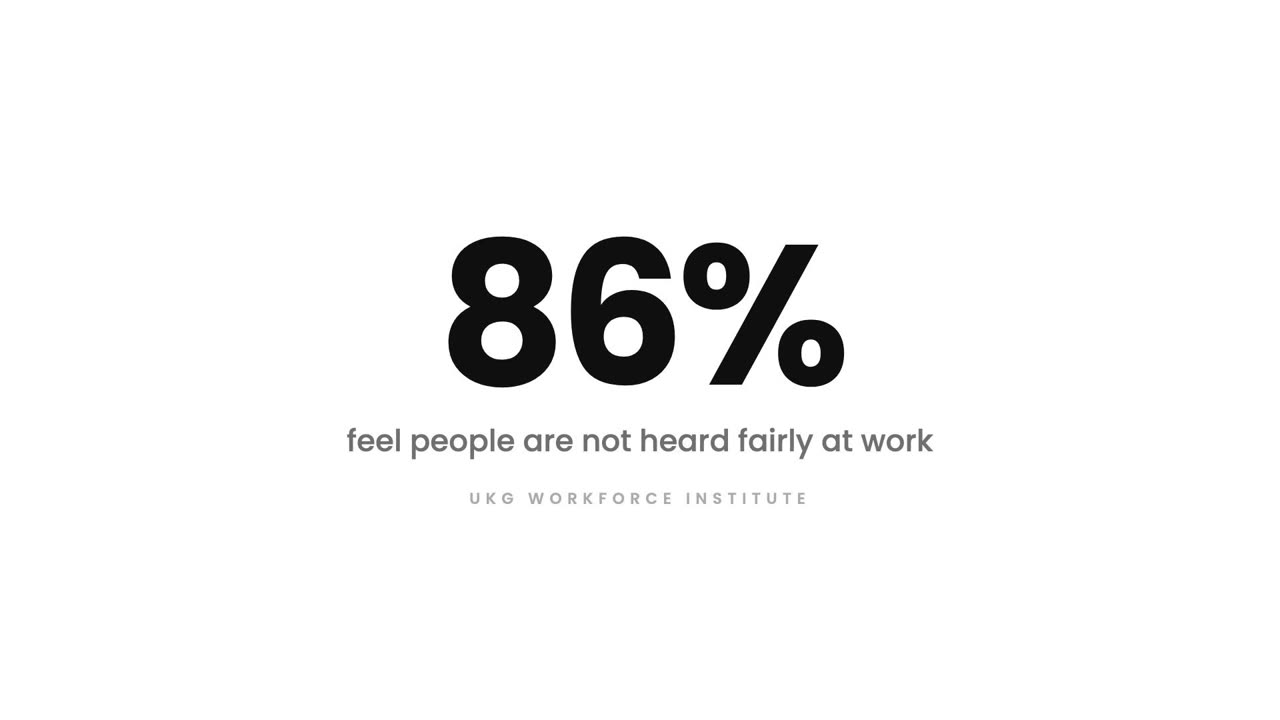
Suggestions and employee voice: They have ideas
Anyone can post a suggestion, anonymously if they choose. Each one gets a visible status as it moves from submitted to reviewed to actioned, so people can see that speaking up leads somewhere.